SolidWorks to solidSF conversion
Upgrade a whole SolidWorks library without losing the drawing.
This is the customer-facing walkthrough for moving an existing SolidWorks vault into solidSF. The first production lane is drawing-first: pixel-faithful PDFs, editable drawing entities, templates held as templates, crash-safe resume, precheck, and account-side import counters.
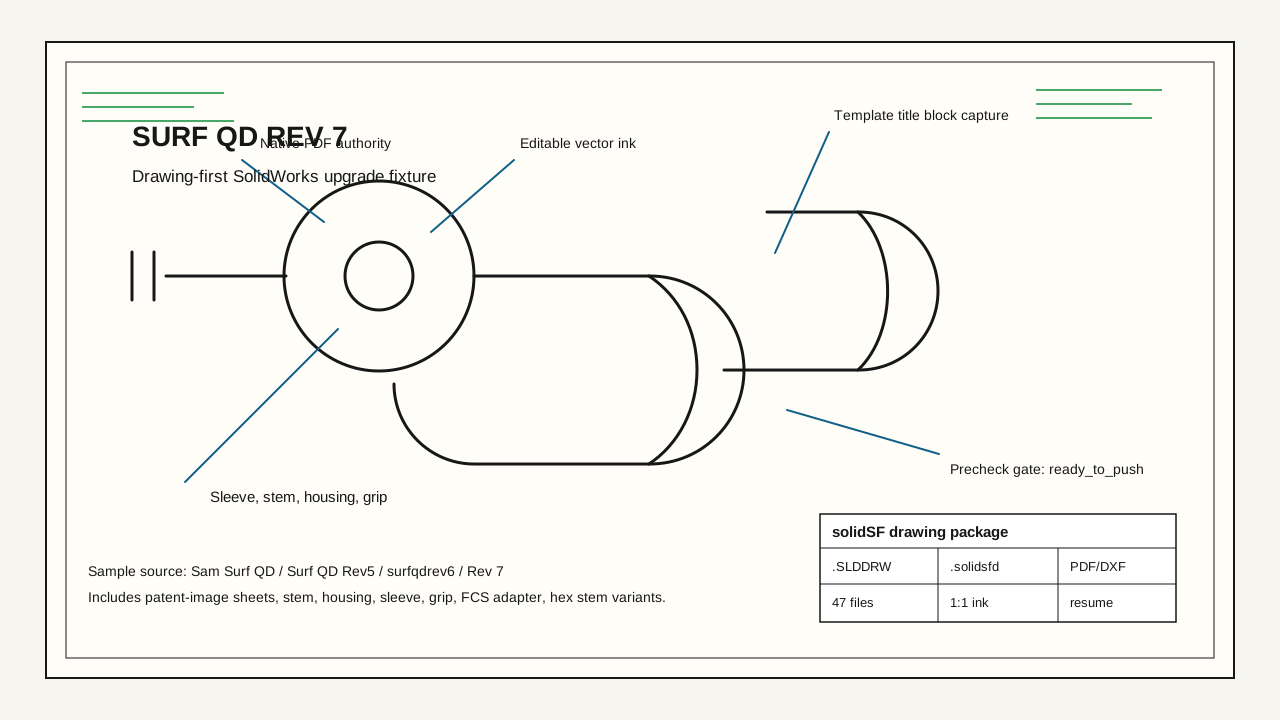
Sample fixture: the Surf QD surf leash drawing set, including cam/ball quick-release sheets, Rev 7 stem/housing/sleeve/grip drawings, FCS adapter sheets, and hex stem variants.
Executive summary
The migration client is packaged as a Windows-side SolidWorks bridge with a Rust conversion engine. The user points it at a library root, keeps SolidWorks open, and lets it cycle through files. For drawings, the client exports SolidWorks-authored PDFs, extracts editable drawing structure, preserves folder paths, runs a precheck, then uploads only packages that pass.
The production rule is simple: if the package cannot prove visual authority and precheck readiness, it stays local and resumable instead of being pushed into the account.
Surf leash fixture
The page uses the Surf QD surf leash files as the public walkthrough because it exercises real customer-shaped drawing mess: repeated revisions, patent-image sheets, title blocks, alternate hardware variants, and nested folders that must survive the migration unchanged.
sample library shape
Sam Surf QD/
  Cam Style/
    Cam Style Leash Quick Release.SLDDRW
    X200225-1 Cam QD Leash Release - Patent Images.SLDDRW
    X200226-1 Ball QD Leash Release - Patent Images.SLDDRW
  Surf QD-.344/Rev2 05-24-20/Rev 3/Rev 4/Surf QD Rev5/
    X200201-1 Rev 0, Male Fitting.SLDDRW
    X200202-1 Rev 0, Female Fitting.SLDDRW
  surfqdrev6/Rev 7/
    X200230-1 Stem.SLDDRW
    X200231-1 Housing.SLDDRW
    X200232-1 Sleeve.SLDDRW
    X200233-1 Grip.SLDDRW
    X200234-1 FCS Adapter.SLDDRW
    Hex Stem/X200276-1 Housing - .375-16 + Flats.SLDDRW
Run sequence
The customer does not have to reorganize their vault. They install the migration client, keep SolidWorks open on the same Windows machine, choose a root folder, and let the client create a deterministic job ledger.
Open SolidWorks nearby
The bridge attaches to the existing SolidWorks COM session when available. If SolidWorks is closed or crashes, the ledger marks the active file as failed or incomplete and the next run resumes from that point.
Select the library root
The scanner walks `.sldprt`, `.sldasm`, `.slddrw`, `.slddrt`, and existing solidSF package files while preserving each relative folder path for upload.
Convert drawings first
Each drawing is opened through SolidWorks, exported to PDF and DXF, read for native drawing metadata, and packaged as solidSF drawing data with the original file copied beside the artifacts.
Package templates as templates
Sheet formats and drawing templates are captured as `.solidsftmpl` so title blocks, zones, borders, notes, fonts, and line settings are reusable in solidSF.
Precheck before upload
The local package set is inspected for missing PDFs, missing scorecards, blocked fidelity, empty native/vector content, bad paths, and account upload readiness.
Push only ready packages
When `ready_to_push` is true, the account import endpoint stores the export datetime and increments the account's conversion-client import totals.
Output formats
The migration package separates visual proof from editable reconstruction. That gives the customer a no-drama review path while solidSF keeps building native drawing intelligence underneath it.
| Source | solidSF output | What must survive |
|---|---|---|
.slddrw | .solidsfd plus PDF/DXF/raw copy | Sheets, views, title block references, dimensions, notes, GTOL, fonts, layers, line weights, dashed/phantom/dotted styles, arrows, center marks, and every visible ink path. |
.slddrt | .solidsftmpl | Template identity, border geometry, zones, title block fields, default fonts, company marks, paper size, and reusable sheet setup. |
.sldprt | .solidsf | Parametric part history, sketches, features, constraints, material metadata, and references used by drawing views. |
.sldasm | .solidsfa | Component references, assembly tree, mate relationships, display state, and folder references needed by drawings. |
Validation gate
The live validation target is not "we made a file." The target is that the solidSF-side drawing package can prove it is visually ready and editably reconstructable before an account import is attempted.
swmig-drawing-validate Surf QD Rev 7/X200231-1 Housing.SLDDRW
  packaged: .solidsfd + SolidWorks PDF + DXF + raw source
  scorecard: visual_status=ready editable_status=ready
  precheck: ready_to_push=true errors=0
  upload: allowed only after precheck passes
Crash resume
SolidWorks is allowed to be a desktop program. The client treats COM failures, process exits, file-level export failures, and partial packages as normal migration events. The ledger records the file, stage, timestamps, and retry status so the next run can continue without guessing.
The Docker video shows the clean shell startup contract. A Linux Docker container cannot host SolidWorks COM itself; the live COM bridge runs on the Windows machine beside SolidWorks, and the same output contract is what the container recording demonstrates.
Account import
When the precheck passes, the upload endpoint stores the conversion batch under an export timestamp and updates the account counters for import count and imported files. That gives support and the customer a clear answer to "what was imported, when, and from which client run?"
| Account-side record | Purpose |
|---|---|
client_exported_at | The UTC datetime generated by the migration client and preserved through upload. |
total_imports | Incremented once per ready conversion-client batch accepted by the account. |
total_imported_files | Incremented by the number of packages and linked artifacts accepted. |
ready_to_push | Server-side guard. False packages are rejected unless a deliberate debug override is used. |
What ships to users
The migration entry point is gated by account entitlement. It is unlocked for beta users and active paid memberships/subscription levels that have SolidWorks migration enabled. Trial accounts and anonymous visitors can view the walkthrough, but they cannot download the converter or upload SolidWorks migration artifacts.
solidworks-migration-client.exe `
  --source "D:\Engineering\Surf QD" `
  --account "andrewwnorris@gmail.com" `
  --mode drawing-first `
  --resume `
  --precheck-before-upload